

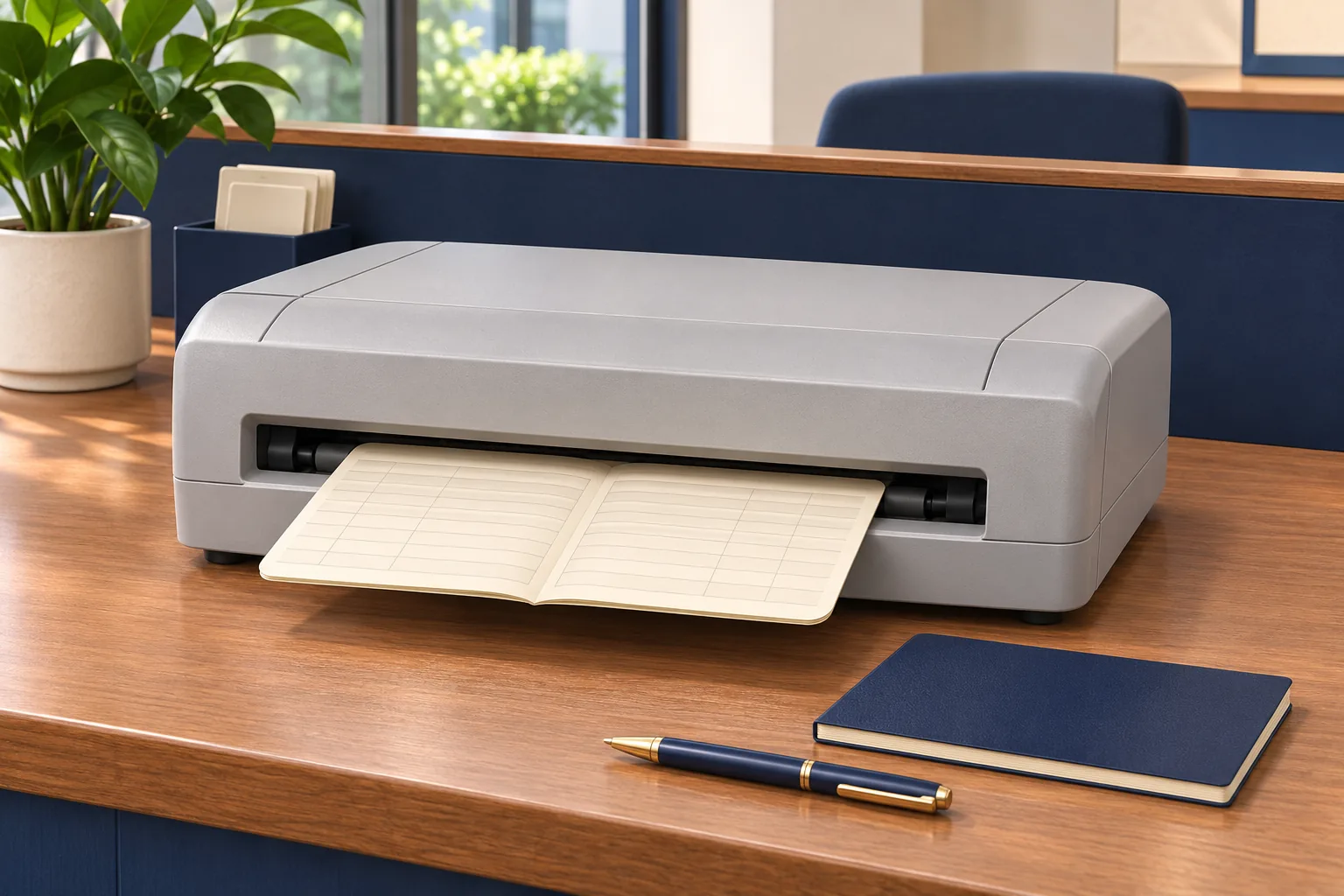
A head-office equipment list may show identical printers at every branch while the counters use different applications, passbooks or connection arrangements. Replacing all the hardware with one model will not, by itself, make those differences disappear.
A useful network budget starts with the work at each location. Once those requirements are visible, the organisation can decide where a common configuration helps and where a branch needs separate attention.
Build the branch register before the quantity list
Ask each location to confirm its host environment, application, connection, book formats and counter count. Include the normal workload and operating hours. Use the actual setup rather than assuming every branch has already adopted the latest internal standard.
Group genuinely similar locations. Keep exceptions visible, including unusual book dimensions, different print layouts or local software settings. A common printer may still serve several groups, but that conclusion needs evidence.
Separate standard costs from local costs
| Common scope | Branch-specific scope |
|---|---|
| Approved model and core configuration | Host changes or a different interface arrangement |
| Shared operating instructions | Training for local shifts and working practices |
| Consumable specification | Delivery, access and support arrangements |
When reviewing passbook printer prices in Sri Lanka, request an offer that identifies these parts. One averaged unit price can conceal the reason a particular branch is more expensive to equip.
Choose pilots that expose meaningful differences
Test the main configuration at a representative counter and include important exceptions in the evaluation. Use authorised blank or anonymised books with the intended application output. Check alignment, character rendering, page positions and operator handling.
A pilot should produce a reusable configuration record and an acceptance checklist. Record who reviewed the result and what remains unresolved. A printer producing one successful sample does not prove that every branch workflow has been covered.
Confirm readiness before dispatch
Each branch needs the correct host setup, workspace, sample media and local contact ready for installation. Delivery and readiness for service are separate milestones. Scheduling equipment before those conditions are met can leave unopened boxes at a counter awaiting technical work.
Plan the rollout in stages if early experience can improve later installations. Include staff time for configuration, training and acceptance, even when it does not appear as a separate supplier charge.
Give support a network-wide record
Maintain model and serial details, configurations, warranty documents and consumable identifiers centrally for authorised staff. Ask how service is arranged for each location and which costs or response arrangements require separate agreement.
For fault reporting, record the affected job, message and output. That gives support staff a better starting point than a general statement that the printer has stopped working. Keep any local exception attached to the branch record.
Share the completed register and intended rollout with Aiken when requesting a proposal. The resulting budget should explain how each branch reaches a tested working setup, with clear ownership of the work around the hardware.
About The Author