

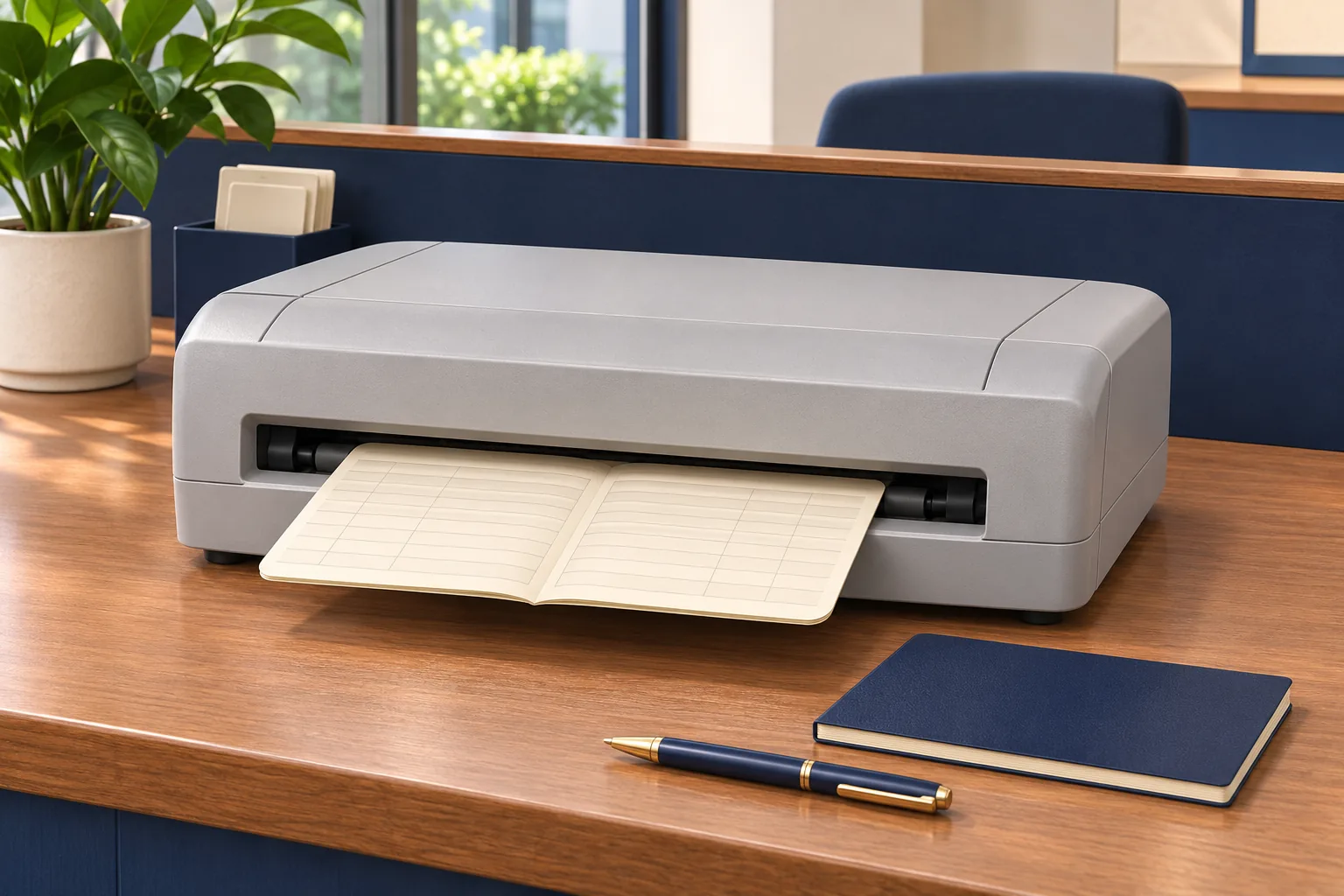
A cable fits, the printer powers on and a test page appears. Those are useful first observations, but they do not establish that a passbook will receive the correct information in the correct position from the business’s application.
When choosing a passbook printer in Sri Lanka, test the complete working arrangement. The application, host, connection, printer configuration and physical book all contribute to the result.
Write down the arrangement being tested
Record the host device and operating environment, application version, interface and relevant driver or emulation settings. Ask the technical owner to confirm how the application generates print jobs and which settings can be changed.
Keep the original configuration through the organisation’s approved process. If the test requires a change, record what changed and who performed it. This prevents a successful demonstration from depending on settings nobody can reproduce later.
Use a test matrix that covers the real books
| Test area | Evidence to retain |
|---|---|
| Media | Approved dimensions, binding orientation and relevant thickness range. |
| Layout | Readable entries aligned with the intended fields and page positions. |
| Characters | Correct rendering of the symbols and character types the application uses. |
| Operation | Repeatable loading, retrieval and approved handling of interruptions. |
Use blank or properly anonymised sample books. If the organisation uses several formats, list each one. A successful print on one book should not silently stand in for every other format.
Separate connection from application compatibility
A physical interface is only one part of the path. Drivers, commands and application configuration determine how information reaches the page. Include any proposed adapter in the test rather than treating it as proof that the arrangement will work.
Make responsibilities explicit. The equipment supplier may configure the printer while the internal team controls the application. Identify the person who can resolve each part before agreeing that deployment is included in a hardware quotation.
Test recovery in a controlled environment
With the responsible technical team, establish how an interrupted or failed job is identified. Staff need to know whether a repeat is authorised and how to avoid printing an uncertain transaction twice.
Use authorised samples for recovery testing. Record the agreed response and who decides whether the job may be repeated. The printer and application may provide different information, so the business needs a procedure that connects those observations.
Accept a setup that can be repeated
Have technical staff and counter operators review the same output. Record the exact configuration, media and people who approved it. Include required consumables, training and relevant support details in the acceptance record.
Discuss the test plan with Aiken before ordering. If the application, book design or connection changes later, review the affected tests again. Compatibility belongs to a documented combination of equipment and workflow, not simply to the presence of a matching port.
About The Author