

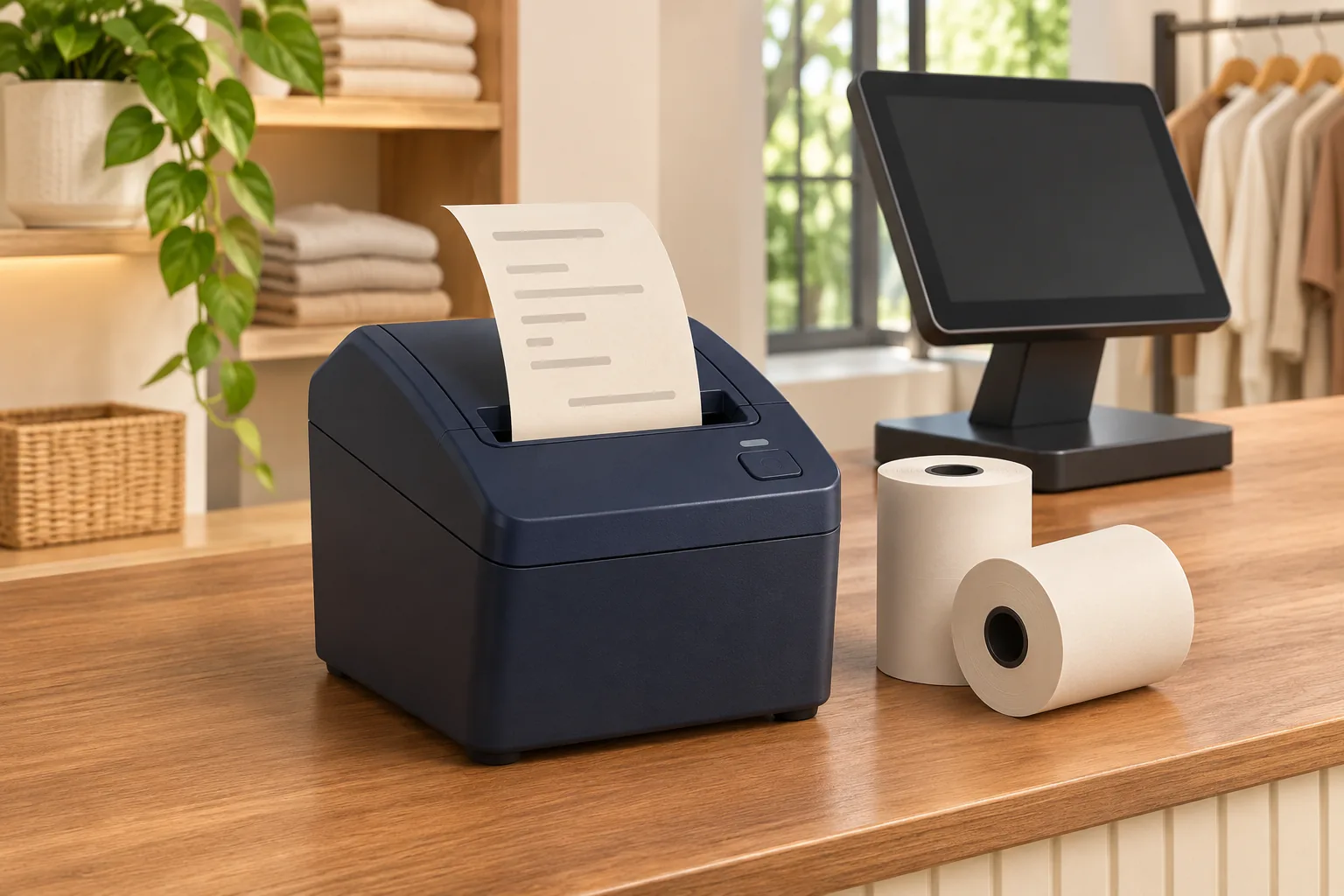
A receipt printer may fit neatly beside a checkout and still be unsuitable for the way that checkout prints. A matching cable or wireless label is only part of the requirement. The application, host and printer must support the intended arrangement together.
Before comparing thermal printer prices in Sri Lanka, write down the complete printing path. Identify the sales application, the device running it, the proposed connection and the exact printer version.
Start with the application that sends the job
Ask the software provider or responsible technical person which printer arrangements are supported. Record the operating environment and application version where relevant. A desktop installation and a mobile sales application may have different requirements.
Explain whether one checkout or several will use the printer. Shared output needs a clear way to direct jobs and recognise which receipt belongs to which transaction. Do not assume that an advertised network option works with the existing application without configuration.
Confirm the interface on the quoted unit
Product families may contain versions with different connections. Ask the quotation to identify the exact interface and any required accessories or software. If an adapter is proposed, include it in testing.
Review the thermal printer options at Aiken against that requirement. A photograph of a port or a broad model description should not stand in for confirmation of the supplied configuration.
Use a receipt from the real application
| Test | Look for |
|---|---|
| Representative sample transaction | The required width, line breaks, symbols and readable content. |
| Required printer functions | Verified cutting, status or other functions in the intended setup. |
| Ordinary interruption | A clear application message and an approved recovery procedure. |
| Reprint handling | A way to distinguish repeating a receipt from creating a new sale. |
Use authorised samples and coordinate interruption testing with the technical owner. A printer’s self-test confirms basic operation, but it does not prove the application will produce the required receipt.
Check the counter as well as the software
Confirm space for paper loading, the power arrangement and cable routes that do not obstruct ordinary work. For wireless or network use, have the responsible team assess the actual premises. A demonstration elsewhere does not establish identical conditions at the counter.
Record approved settings and who manages them. Network and access configuration should remain with authorised staff. A working installation should not depend on an undocumented change made during delivery.
Budget for a working connection
Include required accessories, setup and technical assistance in the total. Clarify where printer support ends and application support begins. This helps direct a problem to the right person when its cause could lie in the host, connection or equipment.
Share the application details and test results with Aiken before ordering. Keep the tested configuration with the purchase record and review it when the application or host changes. The useful purchase is a complete path from transaction information to a readable receipt.
About The Author